
About the keys for the AV rack
In some classrooms, microphones and video equipment are stored in an AV rack, which is normally locked.
If you wish to use these facilities,In addition to booking a classroom, you need to reserve the keys for the AV rack.It is.
Please check if you are using the following classrooms.
Main Lecture Room: 102 103 107 108 109 113 114 →To ①
Small lecture room: 104 →To ②
Large lecture room: 101 115 226 227 →To ③
In many cases, classrooms require the reservation of keys for the AV rack.
① Main lecture room: 102 103 107 108 109 113 114
| AV rack key: Not required | AV rack key: required |
|---|---|
| • Whiteboard • Chairs and tables | • Microphone • Projector & screen • DVD, BD, and CD player |
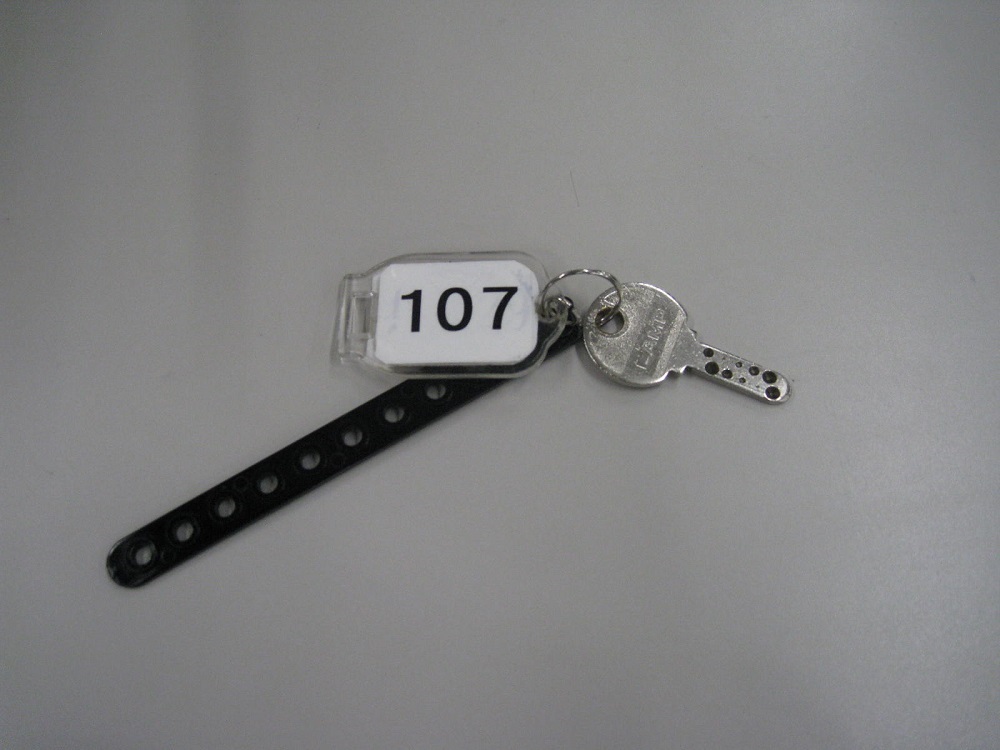
If you use a microphone or want to project video from a PC or other device onto a screen, you will need the key for the AV rack.
② Small lecture room: 104
| AV rack key: Not required | AV rack key: required |
|---|---|
| • Electronic blackboard • Whiteboard • Chairs and tables | • Microphone • Projector & screen • DVD, BD, and CD player |
If you only use the electronic whiteboard, you do not need the key for the AV rack.
However, if you use a microphone or want to project video from a PC or other device onto a screen, you will need the key for the AV rack.
In rare cases, there are classrooms where a key to the AV rack needs to be reserved.
3. Large Lecture Room: 101 115 226 227
| Equipment on the tabletop (always available for use) | Equipment in the AV rack (keys are not required during class hours) |
|---|---|
| • Microphone • Projector & screen • System operation panel • Fine art cameras • Ceiling camera, ceiling microphone | During the spring and autumn semesters (1st to 5th classes), the AV rack is unlocked, so you can use it as is. The AV rack is locked on weekends, holidays, and during class hours. If you plan to use the following equipment, you will need the key for the AV rack. interpoint (interword separation)PressIT devices(Wireless HDMI) • DVD, BD, and CD player • Various remotes (normal operation can be done using the system control panel on the tabletop) |
Most of the equipment is installed on a tabletop and can be used at all times; during the spring and autumn semesters (1st to 5th classes), the AV rack is also unlocked, so you usually do not need to reserve the keys to the AV rack.
You will need the key to the AV rack:
- Use during times when the AV rack is locked, such as on weekends, holidays, and during class hours.
- Use the equipment in the AV rack (PressIT, DVD/BD/CD decks, etc.)
This is the case when the two conditions are met.
Furthermore, even when using on weekends and holidays, operations necessary for regular classes and lectures, such as using the microphone or projecting the PC screen onto the screen, can be performed using the system operation panel on the tabletop.
Therefore,There are very few cases where an AV rack key is needed.
How to make a reservation
The keys to the AV rack are available for loan at the Education Informationization Support Office.
Once it is decided that you will be using the equipment inside the AV rack,As early as possible, or at least by the day before the opening (if using on a Monday, it is Friday).Please make a reservation for that.
If the classes are consecutive, we may need to adjust the handover method, such as having the teacher from the previous class take over the keys from the teacher for the next class. We ask for your cooperation in this matter.
After use, please be sure to take the key with you.
If you take it home without putting it in a pocket or the like, the next user may not be able to use the facility.
Reservations can be made by visiting the clinic, calling, or emailing.
Multimedia and Computer-Aided Education Support Center (202 Help Desk)
Location: Tokyo University of Foreign Studies Research Lecture Hall 2F, Room 202
Tel: 042-330-5417
Email:j-shien [at] tufs.ac.jp
(Please note that it may take a few days for a reply. If you are in a hurry, please come to our office or call us)